How Many VR Headsets Does a School Really Need? A Rotation Plan for a Class of 40
You do not need one headset per child. A practical station-rotation plan for a class of 40, showing how a small set of VR headsets, a browser screen and a worksheet keep every student learning for the whole period.
The first question most principals ask us is not about content or curriculum. It is about arithmetic: "We have 40 children in a section. Do we need 40 headsets?" The honest answer is no, and a school that buys on that assumption usually ends up with expensive devices sitting in a cupboard.
What a school needs is a rotation plan. The number of headsets follows from how a period is organised, not the other way round. This post walks through the planning logic we use with schools, so you can work out a sensible number for your own timetable before you speak to any vendor, including us.
Quick answer: how many VR headsets does a school need?
Most schools do not need a headset for every student. Plan for one group of students in VR at a time while the rest of the class works at other stations, then size the set to that group. For a class of 40 split into four groups, that means around ten headsets, shared across every section through the timetable.
Why is one headset per child the wrong starting point?
A VR segment inside a lesson is short. Students do not spend 40 minutes in a headset; they spend a focused part of the period inside the experience and the rest discussing, recording and being assessed. If every child has a device for the full period, most of that device time is wasted.
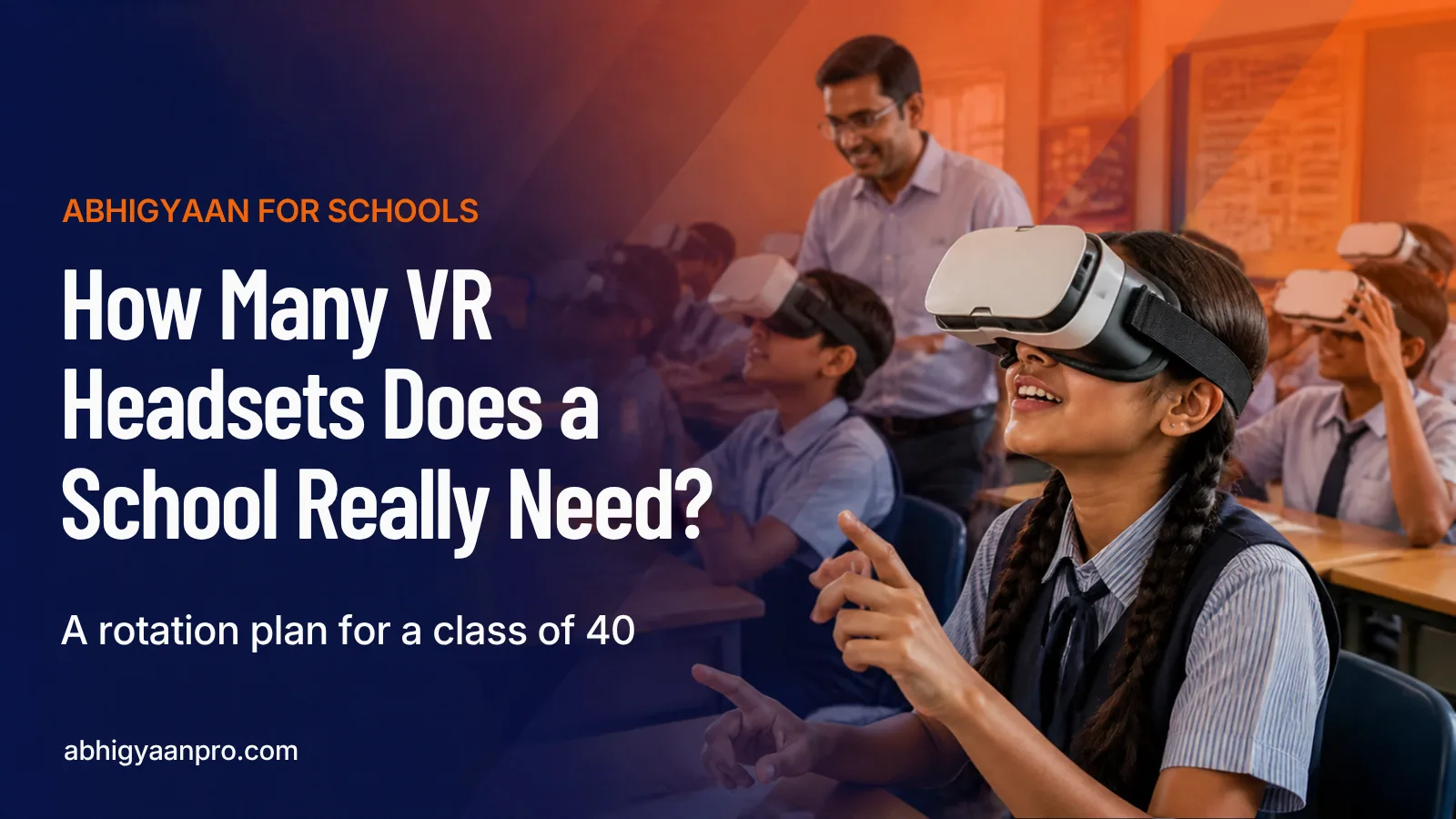
There is also a classroom-management reason. A teacher can meaningfully supervise a small group in VR: watching what they are doing, prompting them and keeping the physical space safe. Supervising forty children in headsets at once is a different job altogether. We describe what a single period looks like in our 40-minute walkthrough of a VR lesson.
What does a station-rotation period look like for 40 students?
Station rotation is a familiar idea to any teacher who has run a science practical in batches. The class is divided into groups, and each group moves through a set of stations during the period. Here is one workable pattern for a class of 40 in four groups of ten:
VR station. One group wears headsets and works through the experience together in a multi-user session, for example assembling a circuit or exploring the structure of a cell.
Screen station. A second group follows the same session on a browser, on a laptop or the classroom display. Because headset and browser users can join the same session, this group is watching and discussing the same model, not a separate video.
Worksheet station. A third group records observations, labels diagrams or answers questions tied to the experience they have just done or are about to do.
Discussion station. The fourth group works with the teacher on the "why" questions, the part of the lesson that a headset cannot replace.
Groups rotate on a signal. Over one or two periods, every child has been through every station. Nobody is waiting idle in a queue, which is the real risk in a poorly planned VR lab.
How do you work out the number for your school?
Use your own timetable rather than a vendor's package size. The inputs are simple:
Largest section size. Your set should serve your biggest class, not your average one.
Number of groups per period. Three or four groups is typical. Fewer groups means more headsets; more groups means shorter time at each station.
Length of the period. A longer period or a double period gives each group more comfortable time and room for changeover.
Spares. Keep a small buffer for a device that is charging, updating or needs cleaning.
How many sections share the lab. One set of headsets can serve the whole school if the lab is booked like any other shared room.
As an illustration: a largest section of 40, split into four groups, needs ten headsets in use at once, plus a spare or two. A school that prefers three groups would plan for thirteen or fourteen. These are planning examples, not a rule. A school with sections of 25 will land on a much smaller number.
What should the students without a headset be doing?
This is where rotation plans succeed or fail. If the non-VR stations feel like a waiting room, students will treat them that way. Each station needs a task that would be worth doing even if VR did not exist.
The browser view is the most useful tool here. Students at the screen station can see what their classmates in headsets are doing and can be asked to predict, explain or spot mistakes. The worksheet should be specific to the experience, with the observations a student is expected to make written down in advance. The discussion station is where the teacher earns their place: connecting what was seen to the textbook chapter and the board-exam style of question.
How does the teacher keep track of everyone?
With groups moving between stations, a teacher needs to know who has actually completed the VR activity and who struggled. Abhigyaan gives teachers tools to run the session and per-student telemetry from it, so the record of who did what does not depend on memory or a paper register. The multilingual voice AI tutor also takes some of the questioning load inside the experience, which frees the teacher to stay with the discussion group.
This model is not theoretical for us. Abhigyaan is deployed across 1,350 Maharashtra Zilla Parishad schools, reaching 1.5M+ students on Meta Quest headsets. Shared devices and rotation are the normal operating condition in those classrooms, not an exception.
What practical details do schools usually miss?
Charging routine. Decide who puts the headsets on charge and when. A lab timetable with a gap between heavy-use periods helps.
Hygiene. Agree a wipe-down step at each changeover and build its time into the rotation.
Floor space. Mark out the VR station so students in headsets have clear room and others do not walk through it.
A booking sheet. Treat the VR set like the science lab: sections book slots against specific chapters.
Teacher practice. Let teachers run the rotation once with a small group before trying it with a full section. Our step-by-step guide to setting up a VR lab covers the room and hardware side.
Frequently asked questions
Can a school start with fewer headsets and add more later?
Yes. Starting with a smaller set and more groups per period is a reasonable way to begin. Once teachers are comfortable with the rotation and the lab is regularly booked, the school can judge from its own usage whether more devices would help.
Do students without a headset miss the lesson?
They should not. Students on the browser view join the same session as those in headsets, and every group rotates through the VR station. The plan fails only when non-VR stations have no real task, so prepare those as carefully as the VR activity.
How long should each student spend in the headset?
Keep the VR segment short and purposeful, as one part of the period and not the whole of it. The right length depends on the activity and the age of the students. Build in changeover time, and let teachers adjust after the first few sessions.
Does this work for government and low-budget schools?
Shared devices are exactly how it works in such schools. A rotation model spreads a limited set of headsets across many sections. We recommend sizing the set to the largest section and the timetable, and we can help you work through that calculation.
See a rotation running in your own classroom
The quickest way to judge whether this fits your school is to watch it with your own students and teachers. We bring the headsets, run a real period with one of your sections, and work out the numbers with you afterwards. Book a free on-site demo.
- VR lab planning
- CBSE
- classroom management
- teacher enablement
Want to see Abhigyaan in your school?
Book a Demo →